How to Print Coloring Pages at Home (Paper, Settings, Size)
Printable coloring pages are cheap, instant and endless. A few simple settings make the difference between a crisp page and a gray, blurry one.
Pick the right file size
- In the US and Canada, choose the US Letter file (8.5 x 11 in). In most other countries, choose A4.
- In the print window, choose 'Actual size' or '100%' so the page does not shrink.
Paper
- Crayons and colored pencils: normal printer paper is fine.
- Markers: use cardstock so ink does not soak through to the table.
- Print only the pages your child wants today, not the whole file at once.
Printer settings
- Choose grayscale or black only. Coloring pages are black lines, and this saves color ink.
- If lines look faint, change print quality from 'draft' to 'normal'.
Make pages last
Put favorite pages in sheet protectors and use dry-erase markers to color them again and again.
Good picks to look at
These are widely sold, well-known options that match the advice above. Check the age label and current price on the product page.
Bright White Printer Paper
For crayons and colored pencils, normal printer paper is fine and cheap. Bright white paper makes colors pop.
Watch out: Thin paper is not good for markers. Use cardstock for those pages.
See it on AmazonWhite Cardstock Paper (65 lb)
Heavier paper stops markers from soaking through and makes pages feel like a real coloring book.
Watch out: Check your printer manual for the heaviest paper it accepts before you buy a big pack.
See it on AmazonPlastic Sheet Protectors
Slide a page in and kids can trace it with dry-erase markers, wipe it and do it again. Great for ABC pages.
Watch out: Use dry-erase markers only, not permanent ones.
See it on AmazonPrintable pages to go with it
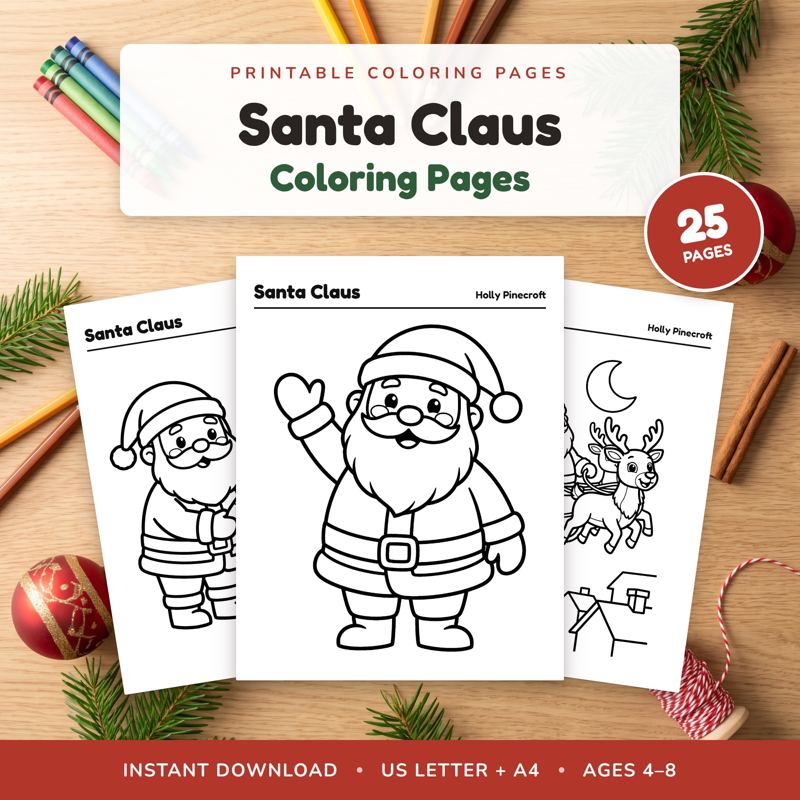
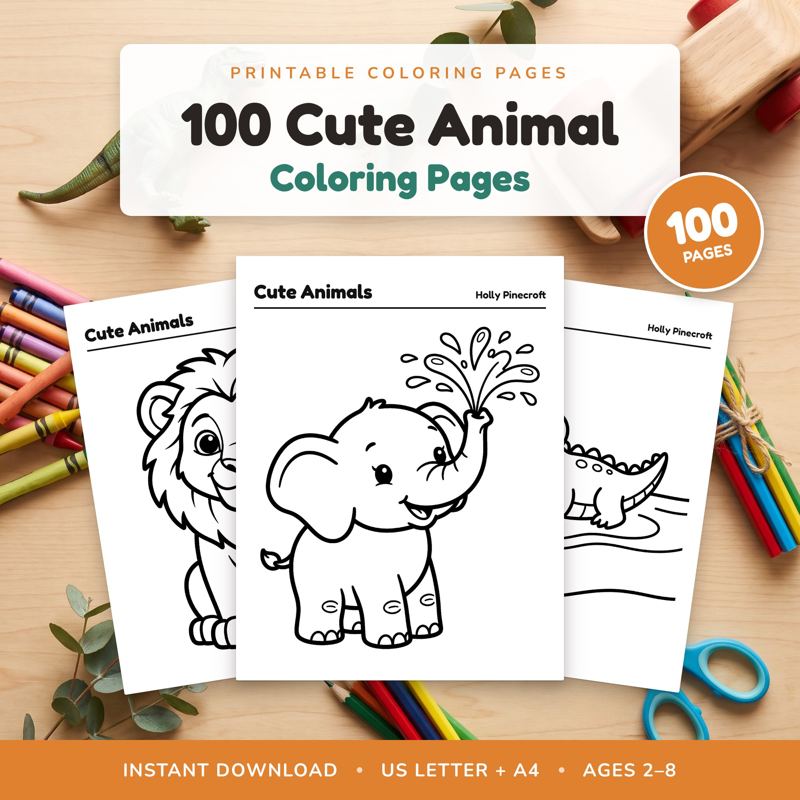
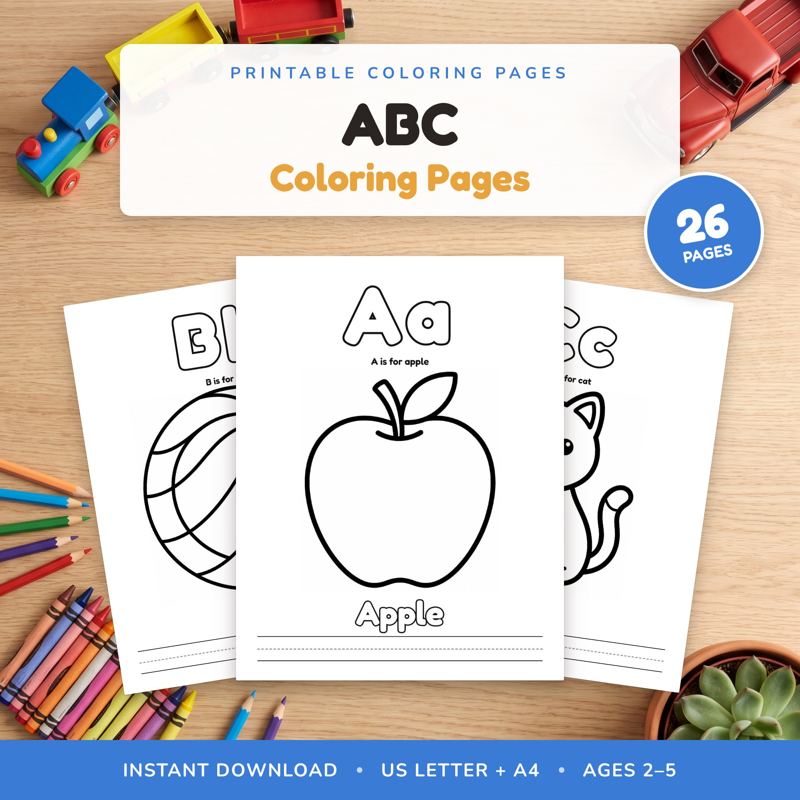
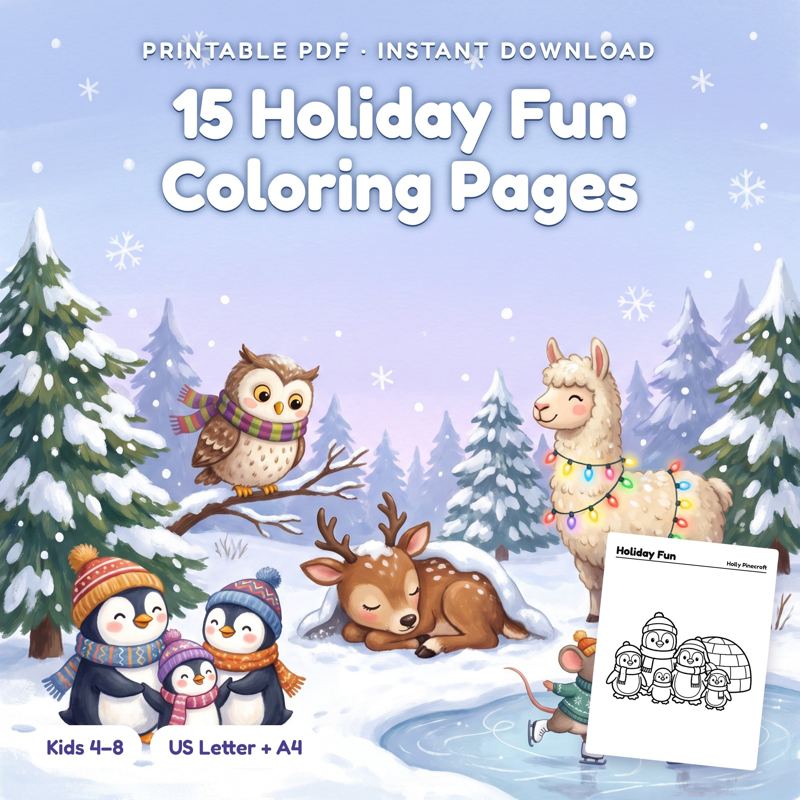
Our own printable packs: big pictures with thick lines, in US Letter and A4. Download once and print as many times as you need at home.